How AI Character Chat Works: Browse or Create a Character
Learn how AI character chat works, browse an existing persona or create your own, and send your first message on WSUP AI.
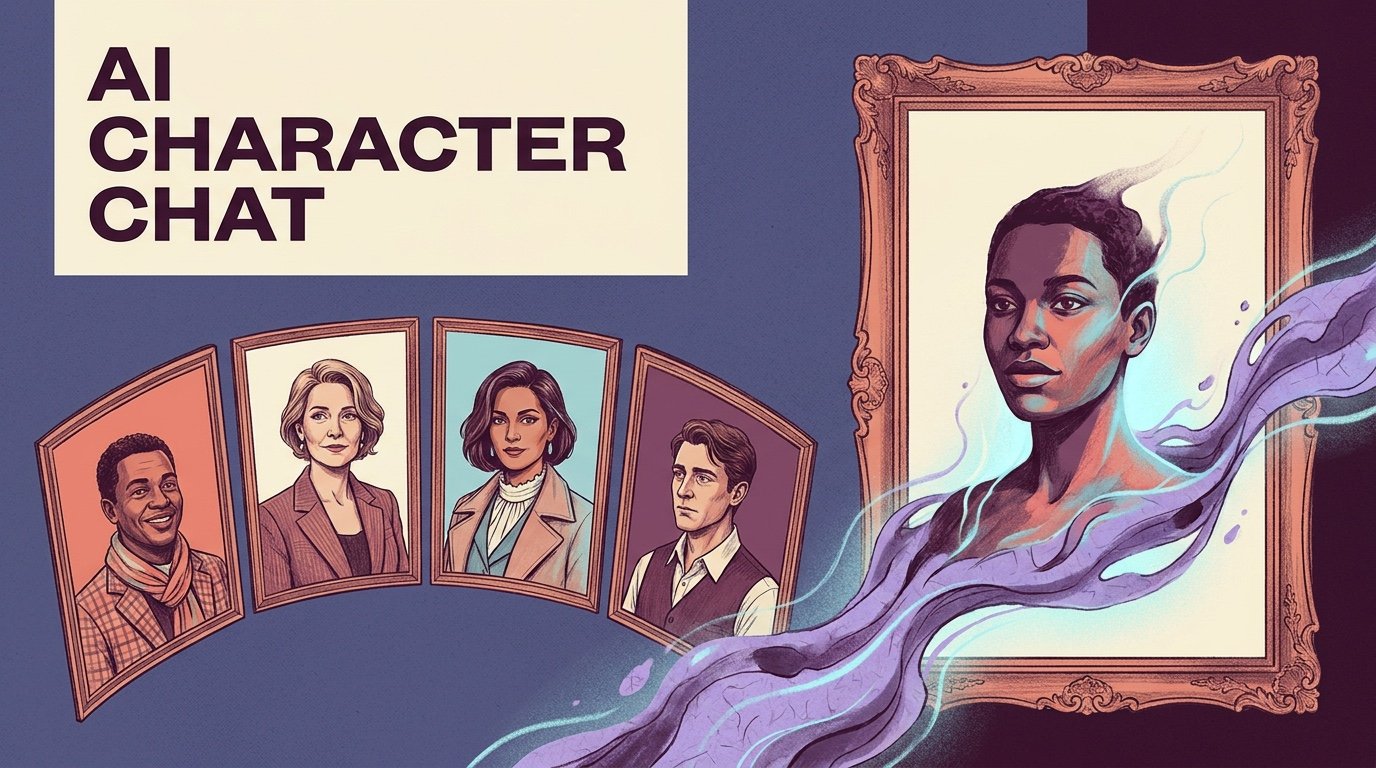
AI character chat means talking to someone specific. The character has a name, a description, maybe a background, and an opening message, and all of that shapes how the conversation starts and how later replies are framed. You are not prompting a blank assistant. You are answering a person who already has a point of view.
The quickest way to see what that feels like: browse the WSUP AI character catalogue, pick someone whose opening gives you something to answer, and reply. You can do that first exchange as a guest.
The other route is to build the character yourself. It takes a few more minutes, and in exchange you decide the role, the tone, the setting, who can see the character, and the scene it opens on. This guide helps you pick the route, and leaves the deeper creation and conversation advice to the guides linked below.
What AI Character Chat Changes
A general assistant is built to help with anything. An AI character is built around one identity and one situation. The profile hands the model a role to play, and the opening message hands you a scene, a relationship, or a question to pick up.
That changes the whole feel of the exchange. You are not asking a neutral tool for an answer. You are replying to a detective guarding a secret, a fantasy guide offering a dangerous route, or a companion checking in after a long day.
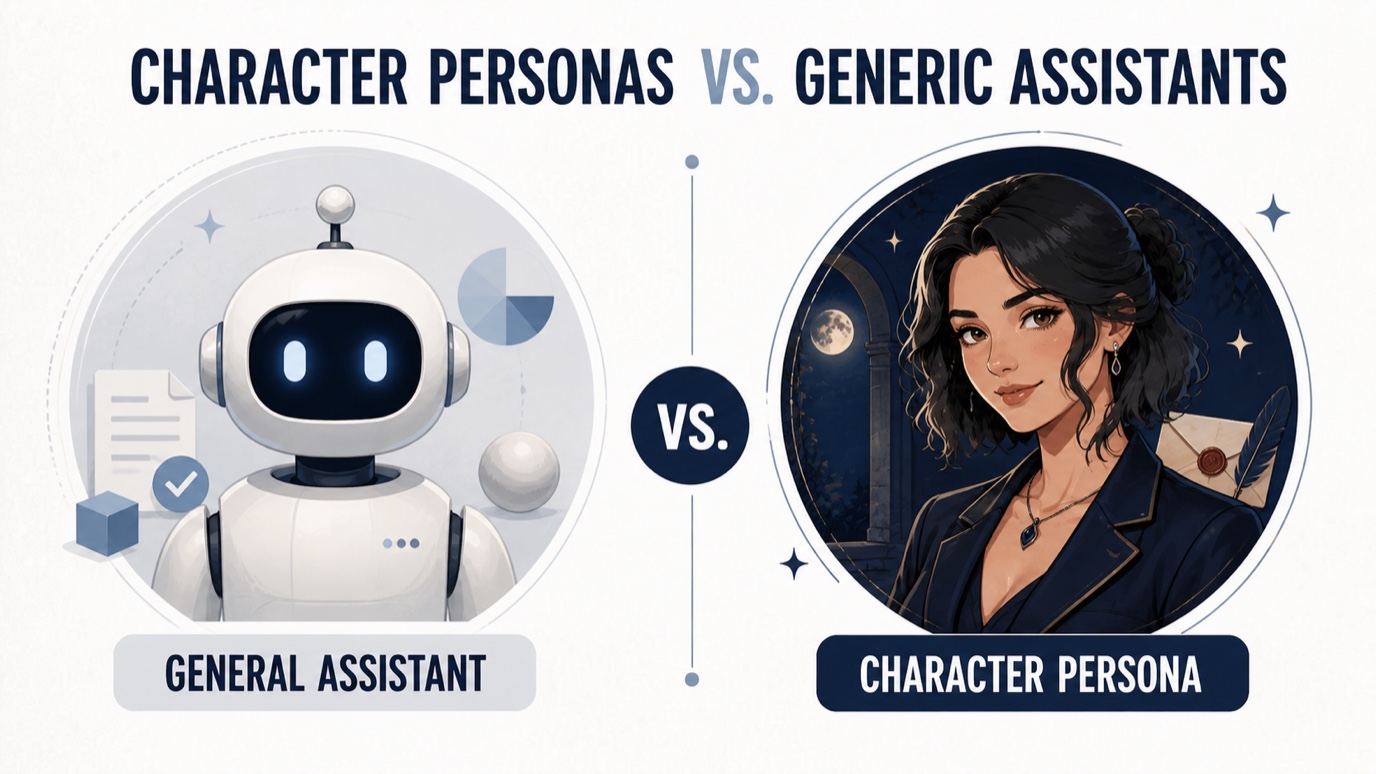
The profile sets direction. It does not guarantee anything. Replies vary, miss details, and drift from the intended voice now and then. Treat what a character says as part of the fiction, not as advice about the real world.
Browse an Existing Character or Create Your Own?
Browsing is faster. Someone already configured the character and wrote the opening, so you can decide whether the scenario interests you before you type a word. It is the right route when you want to explore personalities, start a casual roleplay, or see which openings land.
Creating your own is better when the idea rests on details you want to control: an original setting, a specific relationship, a voice that nobody on the public catalogue has.
Use this quick rule:
- Browse when speed and discovery matter most.
- Create when the role, setting, or opening needs to be yours.
- Start by browsing when you are unsure. A few conversations will show you which character traits and openings you want to recreate—or avoid.
Some adults use character chat for explicit roleplay or scenarios influenced by hentai. That is a narrower use than general character chat, and the basics do not change: pick a clear persona, answer the opening, and read the service's age rules, content settings, and privacy terms.
Public characters become discoverable by other people after admin approval. Private characters are visible only to you by default. Visibility decides who can reach the character. It has nothing to do with how conversation data is stored.
Start an AI Character Chat on WSUP AI
Three steps, if you start with an existing character:
- Browse the WSUP AI character catalogue and choose a persona whose description and category fit the interaction you want.
- Read the character's opening message. It establishes the immediate setting and usually gives you a detail, action, or question to answer.
- Reply to that opening rather than testing the character with an unrelated request.
If the scene opens in a train station with a sealed letter, answer the letter, the station, or the tension around it. That gives the next reply something to work with. A plain "hello" works too, but a reply tied to the opening gives the character more to build on.
On WSUP AI you can receive the opening and send the first reply without a separate login. Guest access is not unlimited use, it is not complete anonymity, and it does not mean messages are never stored. For a broader look at access models, read the guide to AI chat with no sign-up.
For first messages, scene hooks, and keeping a longer exchange moving, use the separate guide on how to talk to AI characters.
Create a Character When You Need More Control
The Create AI Character flow on WSUP AI has two stages: Profile and Image Avatar.
In the Profile stage you give the character a name and gender, choose public or private visibility, pick the filtered or unfiltered chat setting, and assign a category. The description says who the character is. Optional fields hold the opening message and the background.
Spend your words on things that change a reply:
- Role: who the character is in the scene.
- Relationship: how the character sees the person chatting with them.
- Motivation: what the character currently wants.
- Voice: how they tend to speak.
- Opening: what is happening when the conversation begins.
"A mysterious archivist" gives the model almost nothing. "A guarded archivist who distrusts anyone asking about the sealed west wing" gives it a role, an attitude, and a source of tension in one line.
The Image Avatar stage gives the character a face. After you save, WSUP AI sends you to the new character page so you can start from its opening. Public characters need admin approval before everyone can use them. Private ones stay yours by default.
For a fuller walkthrough of profile writing and testing the voice, read how to create an AI character.
What Shapes the Next Reply
Each reply is shaped by a handful of things at once:
- The character description and optional background
- Attached character instructions
- The opening scene
- Your latest message
- Recent messages from the conversation

The profile sets the identity. Recent messages set what is happening right now. If a detail should keep mattering, say it plainly and bring it back up in the conversation. Burying it in decorative backstory does not work.
When a reply does not fit, regenerate it, or name the trait or scene detail that should steer the next attempt. Regeneration gives you another take on the same moment. It does not make the system deterministic.
Add Audio or Images Only When They Help
Text carries the conversation. Audio and images are there for the moments when another medium adds something.
Audio is available on eligible replies and starts when you press the audio control. It is not generated for every character or every message. The AI chat with voice guide covers availability and playback.
A qualifying image request can come back as a text reply with an image. Image generation is request-led, model-led, and subject to availability and quota. If it fails, the text reply is still there.
Use media for a reason: to hear how an important line is delivered, to see the room the character just walked into, to reveal an object the scene turns on. If the conversation already works as text, it does not need decoration.
Access, Privacy, and Character Visibility
The first reply works without a separate signup, and WSUP AI uses Firebase anonymous authentication to keep the right conversation attached to the right visitor. Conversation content is stored with that Firebase identity so a character thread can continue, and administrators may review recent conversations to operate and improve the service.
Public and private character settings decide who can discover or use the character. They do not make the chat unlogged, end-to-end encrypted, or invisible to the service.
For a practical explanation of account access, character visibility, and data handling, read what private AI chat actually means. Keep out anything you would not want stored or reviewed, and read the current WSUP AI privacy page for the latest on data handling. Character replies are generated and can be wrong. Do not make medical, legal, financial, or crisis decisions on them alone.
Start With the Path That Fits
Pick an existing character when you want to start now. Build one when the role, relationship, or setting has to be yours. Either way, the best first message answers the opening and hands the character a clear next beat.
If none of the existing options fits your idea, create an AI character on WSUP AI and start from a scene you designed.
Can I start without signing up?
Yes. You can receive a character's opening and send the first reply without a separate login. That does not mean unlimited use or anonymous, no-log storage.
Should I browse or create first?
Browse first for speed or inspiration. Create when you already know the role, voice, and situation you want.
What should I do if a reply breaks character?
Regenerate the reply once. If it keeps happening, restate the relationship, scene fact, or personality trait that should control the next response.