AI Chat With Voice: Calls, Input, and Spoken Replies
AI chat with voice can mean dictation, live calls, or spoken replies. Learn the differences and try on-demand character audio with WSUP AI.
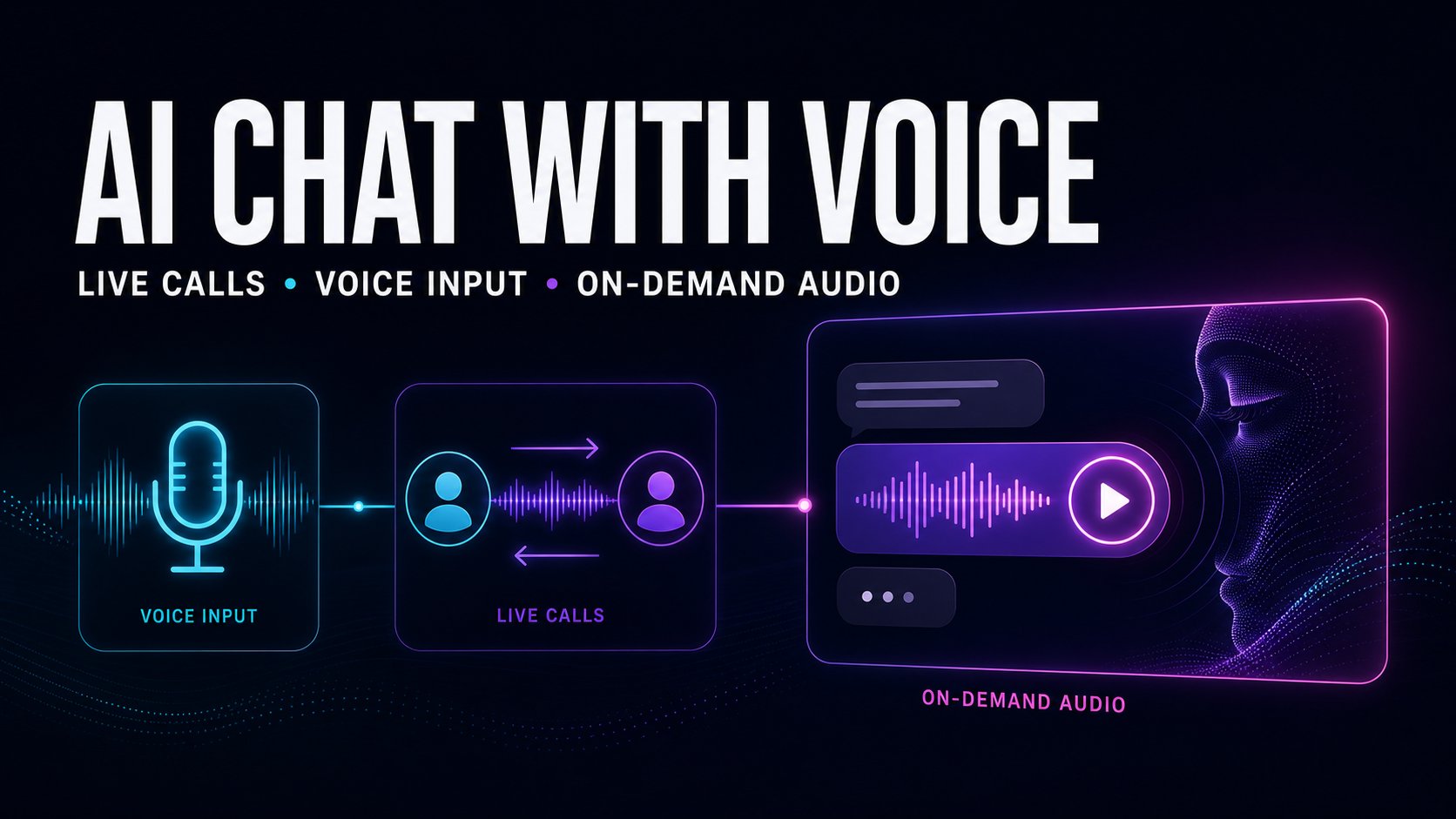
You're staring at a microphone icon in a chat app and trying to figure out whether this is a dictation tool, a live call, or just text with a play button. That confusion is normal, because ai chat with voice now means three different product shapes, and they're not interchangeable. If you want the right one, start with the job, not the label.
Table of Contents
The Three Ways Voice Shows Up in AI Chat
Voice shows up in chat apps in three different shapes. Voice input: you talk, the app turns your speech into text. A live two-way voice call: the system listens, answers, and keeps the exchange moving like a phone conversation. On-demand spoken character replies: you type as usual and choose which AI message gets a voice. They are sold under the same word and they are not the same product.
Here is the clean way to sort them:
| Modality | Who Initiates Audio | Microphone Needed | Pacing and Control | Transcript Visible | Best For |
|---|---|---|---|---|---|
| Voice Input | You speak first | Yes | Fast, user-led, but you still manage the conversation in text | Usually yes | Dictation, quick prompts, accessibility |
| Live Call | You and the AI both speak | Yes | Continuous, turn-based, and more like a real conversation | Often yes | Hands-busy interaction, back-and-forth talk |
| On-Demand Character Audio | You choose which AI reply gets voiced | No | Deliberate, message by message, easy to pause or replay | Yes | Character chat, emotional beats, storytelling |
The difference is who holds the controls. Voice input saves you typing. A live call replaces typing with speaking. On-demand audio keeps the text in front of you and lets you decide when a line deserves a performance.
Practical rule: want speed, use voice input. Want a conversation, use a live call. Want a character to feel more alive without giving up the text, choose on-demand audio.
How to Use AI Chat With Voice on WSUP AI
On WSUP AI, voice starts with the character. Open one, send a text reply, and look for the audio control on an eligible character response. Because the character speaks first, you are never staring at a blank prompt. The exchange already has a voice and a scene before you type.
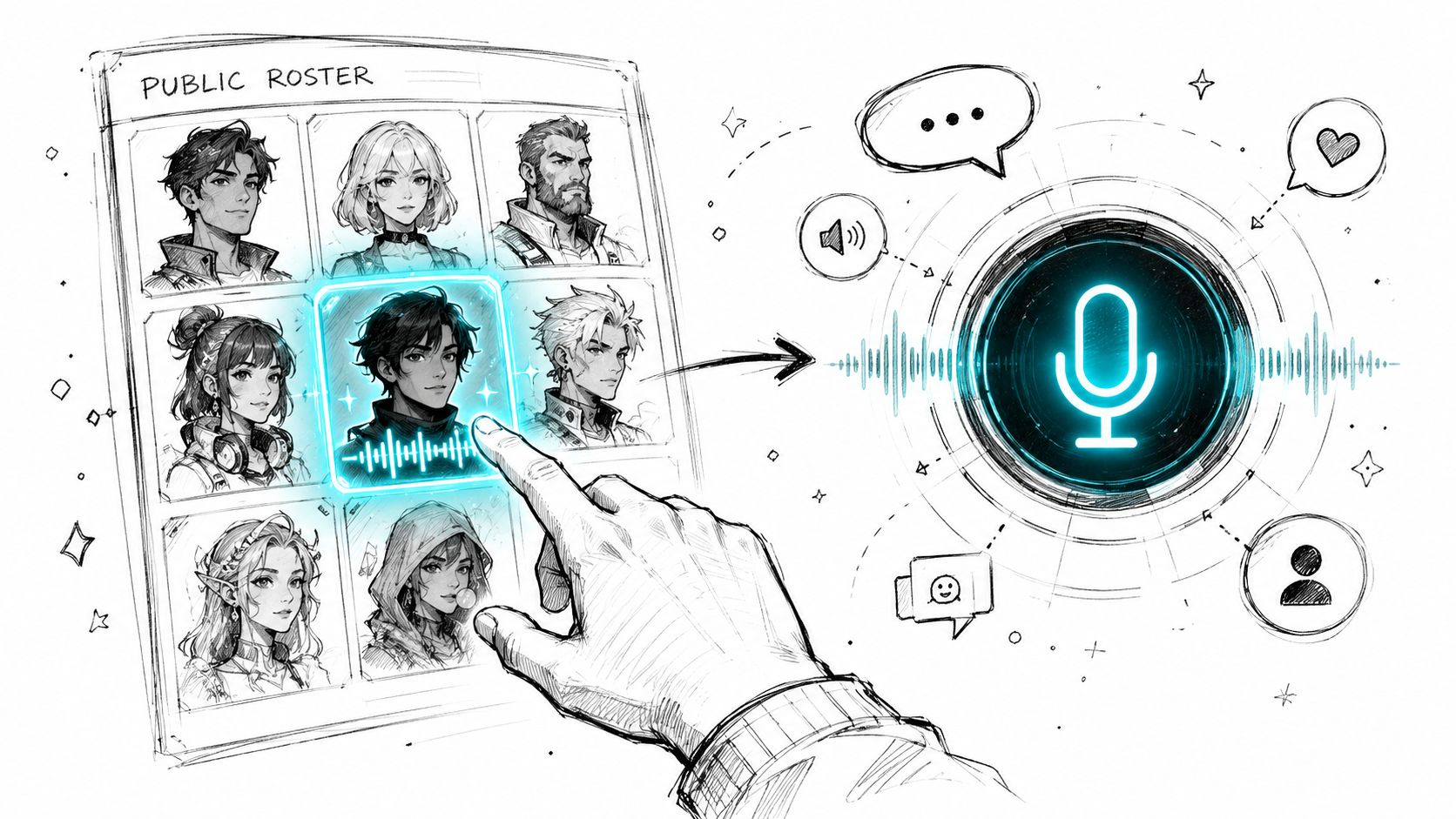
WSUP AI generates that exact line in the character's reviewed voice, on demand. The text stays on screen, so you read first, listen second, and keep the full context in view.
If you are new to the format, start with how to talk to AI characters.
Good habit: open with a simple, specific first prompt. If a line sounds wrong in your head, regenerate it before you play the audio.
This works best when voice supports the chat instead of taking it over. Pause, resume, or replay the spoken line, then carry on in text.
If you are building characters for this flow, see our guide on how to create an AI character.
Why On-Demand Audio Fits Character Chat
Character chat is better when voice is selective. Most of the exchange can stay in text while you scan, compare, and move fast. Then you play the one line that carries the joke, the tension, or the turn.
That balance is the whole point. Text handles structure and pacing. Voice adds delivery when you ask for it. And because every audio-enabled persona uses a staff-reviewed voice tied to that character, the spoken line sounds like part of the roleplay, not a generic assistant reading aloud. For online character chat, that beats forcing every turn into speech.
Five Things That Make Voice Chat Feel Natural
A voice feature can look fine on paper and still feel awkward the moment you use it. For WSUP AI's on-demand character audio, these are the five things to listen for:
Natural timing. The line should breathe, with pauses that feel intentional.
Adaptive voice. Tone and pitch should shift when the emotion shifts.
Text-to-audio fidelity. The spoken delivery should preserve the meaning and emotional intent of the visible reply.
Audio clarity. Clean sound matters more than flashy effects.
Smooth fallback. You should be able to move between audio and text without losing the thread.
Rule of thumb: if you can replay a line and hear nothing new the second time, the voice is too flat.
If you are judging a live-call product instead, add live-call criteria: latency, interruption handling, microphone behavior, turn detection. Those matter there. They are not the test for WSUP AI's text-to-speech flow.
The Rest of the WSUP AI Experience
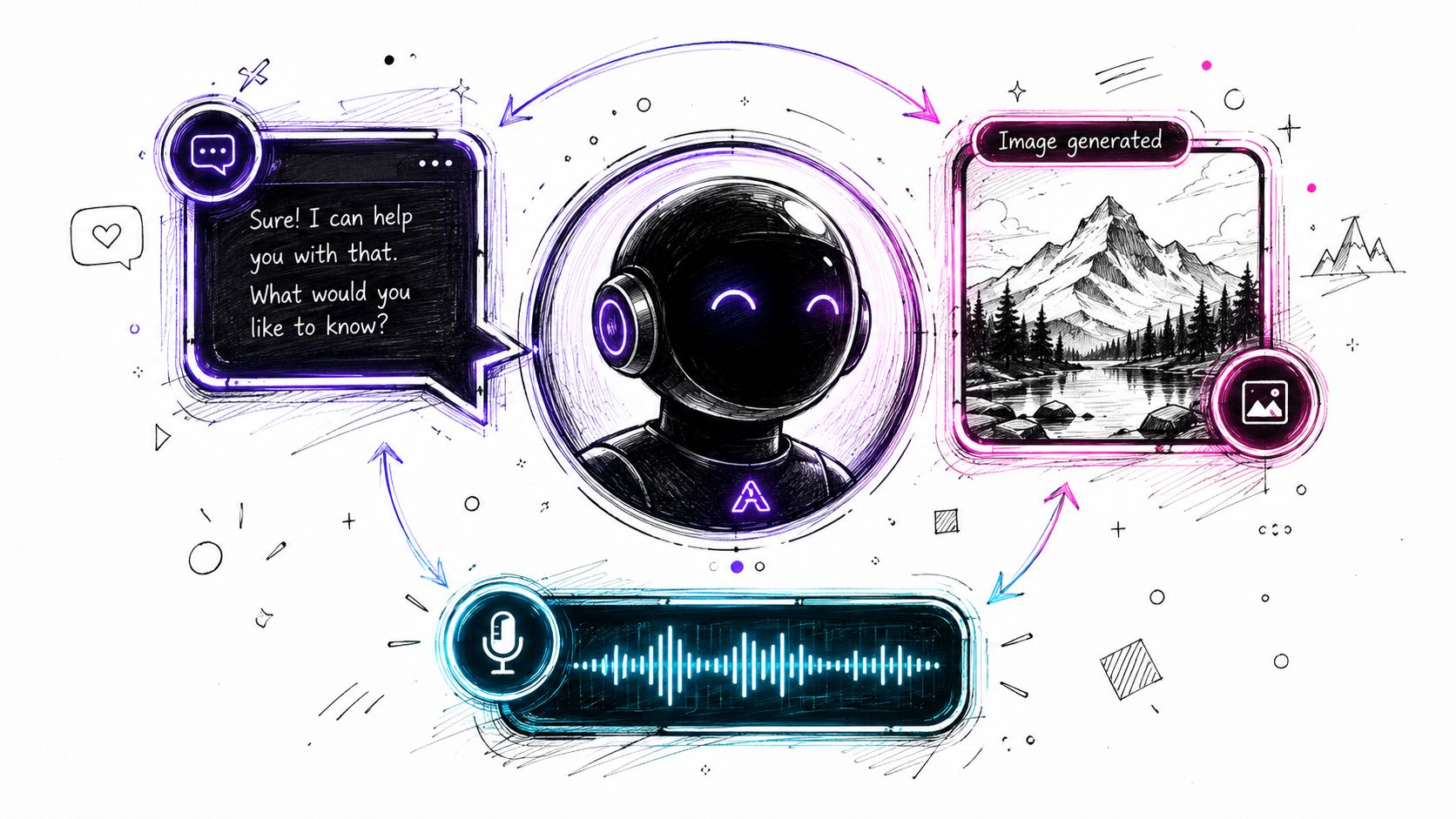
Voice is one part of the product. WSUP AI uses modern high-quality LLMs for character replies, lets you regenerate a weak line without restarting the thread, can return generated image replies, shows silent animated video previews for selected characters, and includes a Create Character flow for description, backstory, opening message, and portrait. Building characters for this flow? See how to create an AI character. Want the wider comparison first? Start with WSUP AI's character alternatives page.
Engagement Numbers From Real Voice Sessions
Voice is not a cosmetic switch, and we have the numbers. In a production PostHog cohort covering the trailing 30 days through July 28, 2026, voice-engaged meant a session with at least one user message and at least one started character-audio playback. Text-only meant at least one user message and zero audio starts.
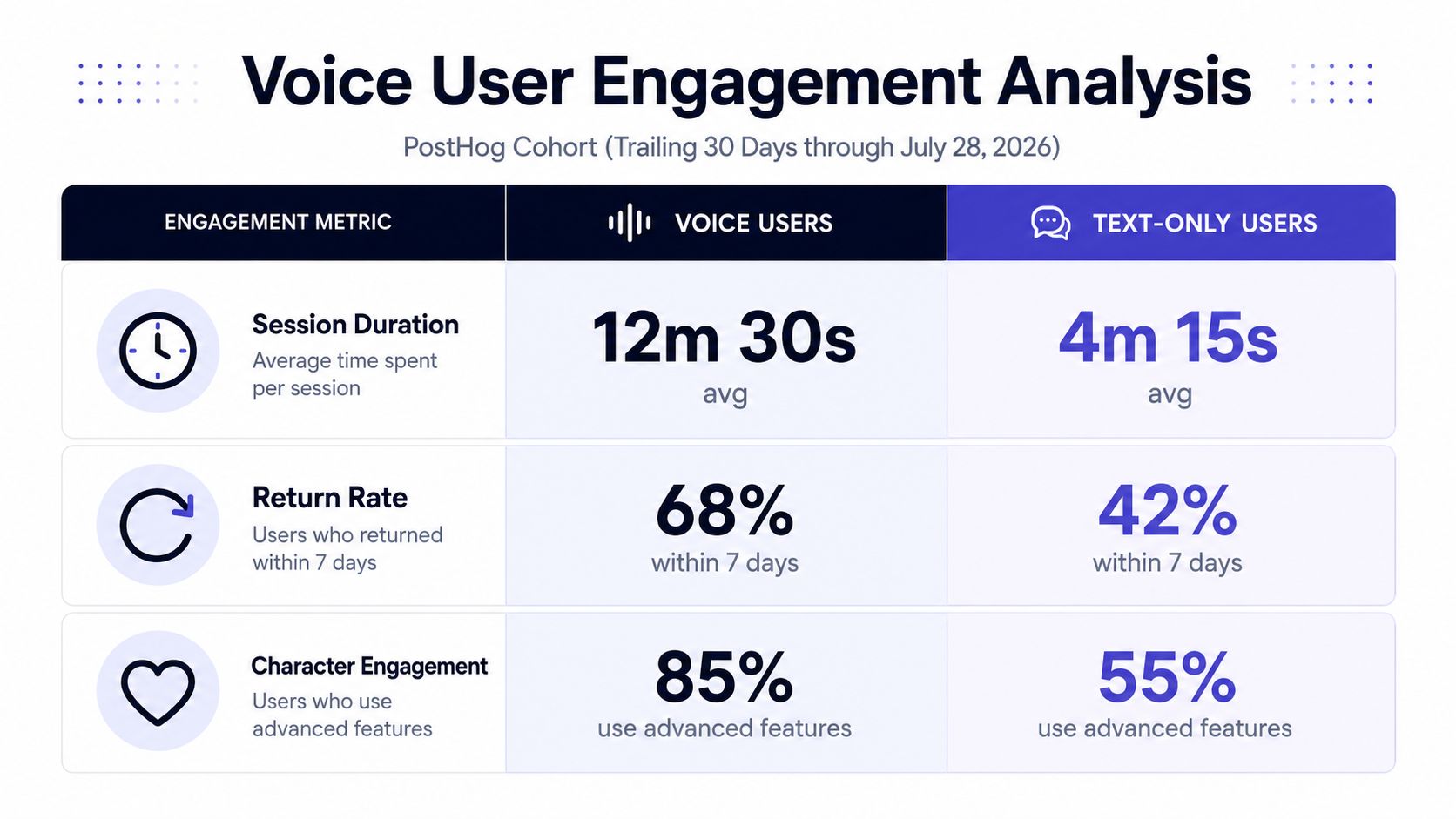
The cohort held 436 voice-engaged sessions and 2,885 text-only sessions. Voice-engaged sessions averaged 51.1 user messages versus 38.6, a 32% gap, and an observed chat activity span of 2,512 seconds, or 41.9 minutes, versus 1,716.5 seconds, or 28.6 minutes, a 46% gap. The medians were 21 versus 14 messages and 19.4 versus 9.7 minutes.
Read those carefully. They are descriptive correlation among sessions that included audio, not proof that audio caused longer or deeper chats. What they show is that sessions where someone started character audio came with more messages and longer activity spans than text-only sessions in this cohort. That is all they show, and it is still worth knowing.
Quick Answers
WSUP AI public audio is optional voice output on eligible character replies. It is not microphone input, not hands-free mode, and not a continuous live call.
Can I talk to WSUP AI through my microphone or use a live call?
No. The public character audio feature is voice output only. You type your message, then choose whether to play an eligible reply aloud.
Is the character audio pre-recorded, and can I replay it?
No. The audio is generated on demand for the reply you chose, not pulled from a library of stored clips. And yes, you can pause, resume, and replay the spoken line from the message controls.
Do I need an account to start chatting?
No. The first chat works as a guest. Signing in adds saved history, synchronized characters, and higher image and audio allowances.
The simplest test: open a character on WSUP AI, send one text reply, and play audio on an eligible line. You will know within a minute whether this mode fits how you chat.