How to Talk to AI Characters That Actually Feel Alive
Most AI characters go flat by turn three. How to talk to AI characters that hold their voice, and where to start in about a minute.
You're staring at a blank chat box, or worse, a sign-up wall. You want a conversation that feels alive right now — not a definition, not a product tour, and definitely not a lecture about conversational AI.
The short version: open the roster, pick a character, send the first reply. Then use regenerate and audio only when the moment earns it. That's how to talk to AI characters without losing twenty minutes to setup first.
Table of Contents
The Four Moves to Your First Chat
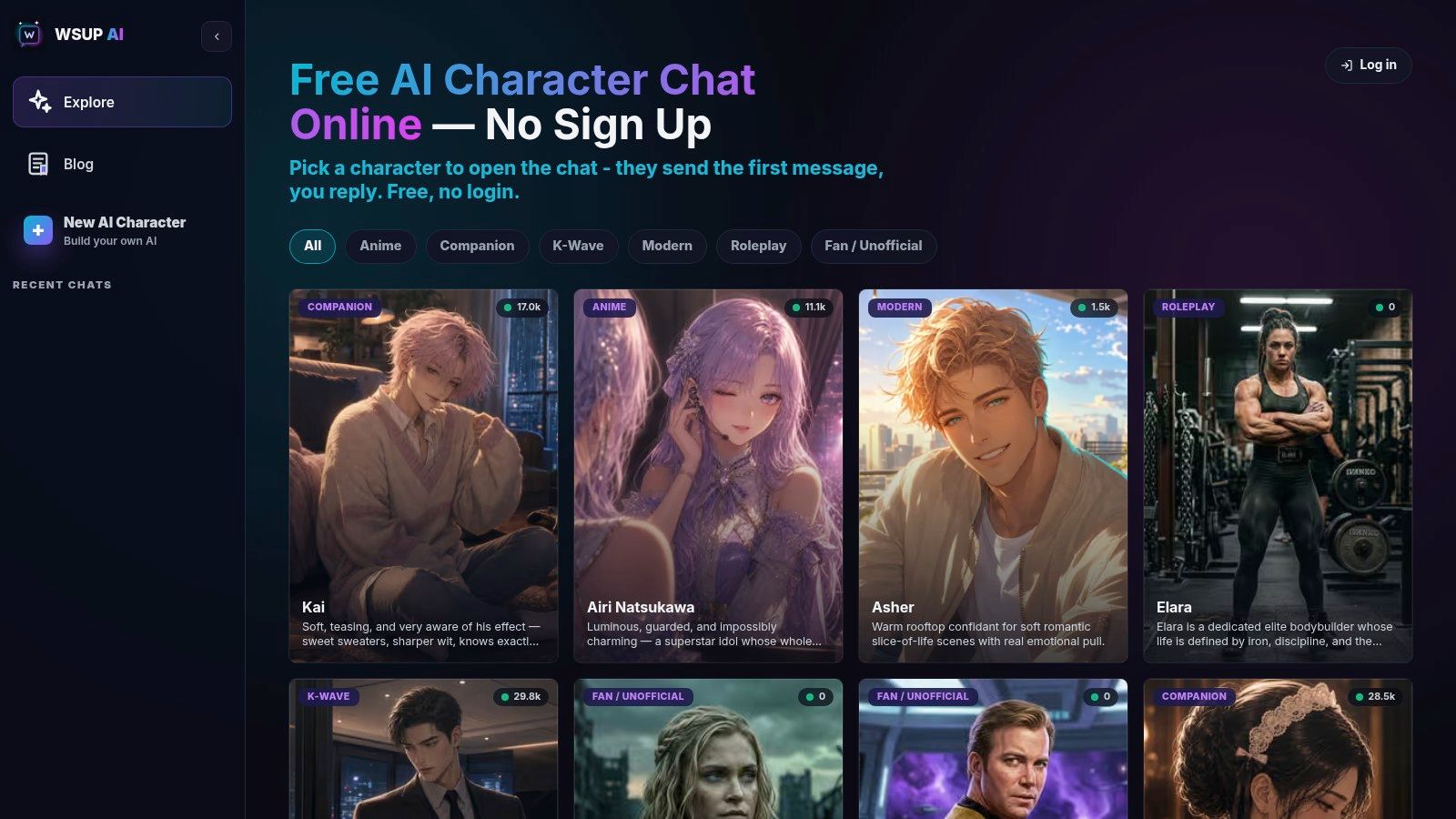
Open the roster. WSUP AI's home page is the product — a browsable list of personas with tag filters, not a landing page with a Get Started button. You're choosing who to talk to, immediately.
Pick someone whose greeting hands you a scene. This is the step people skip. A written opening line means you're reacting to something instead of staring at an empty box trying to invent a premise.
Type a reply as a guest. No signup, no email, no account. You're mid-conversation before most sites have finished asking for your address.
If the first line feels flat, regenerate it before you walk away. A weak opening beat isn't a reason to abandon the character.
Shape it as you go. Regenerate the lines that miss, press the audio control on a message when you want to hear it delivered, and keep moving. Sign in later if you want your history to follow you to another device — it merges into the account. And when you eventually want to build your own, the Create Character flow is there once you've seen how the roster behaves.
Speed is the whole point. Landing to live reply takes about a minute, and that changes how you use the thing. You're not setting up an experience. You're already in one.
Why Voice and Images Change the Pace
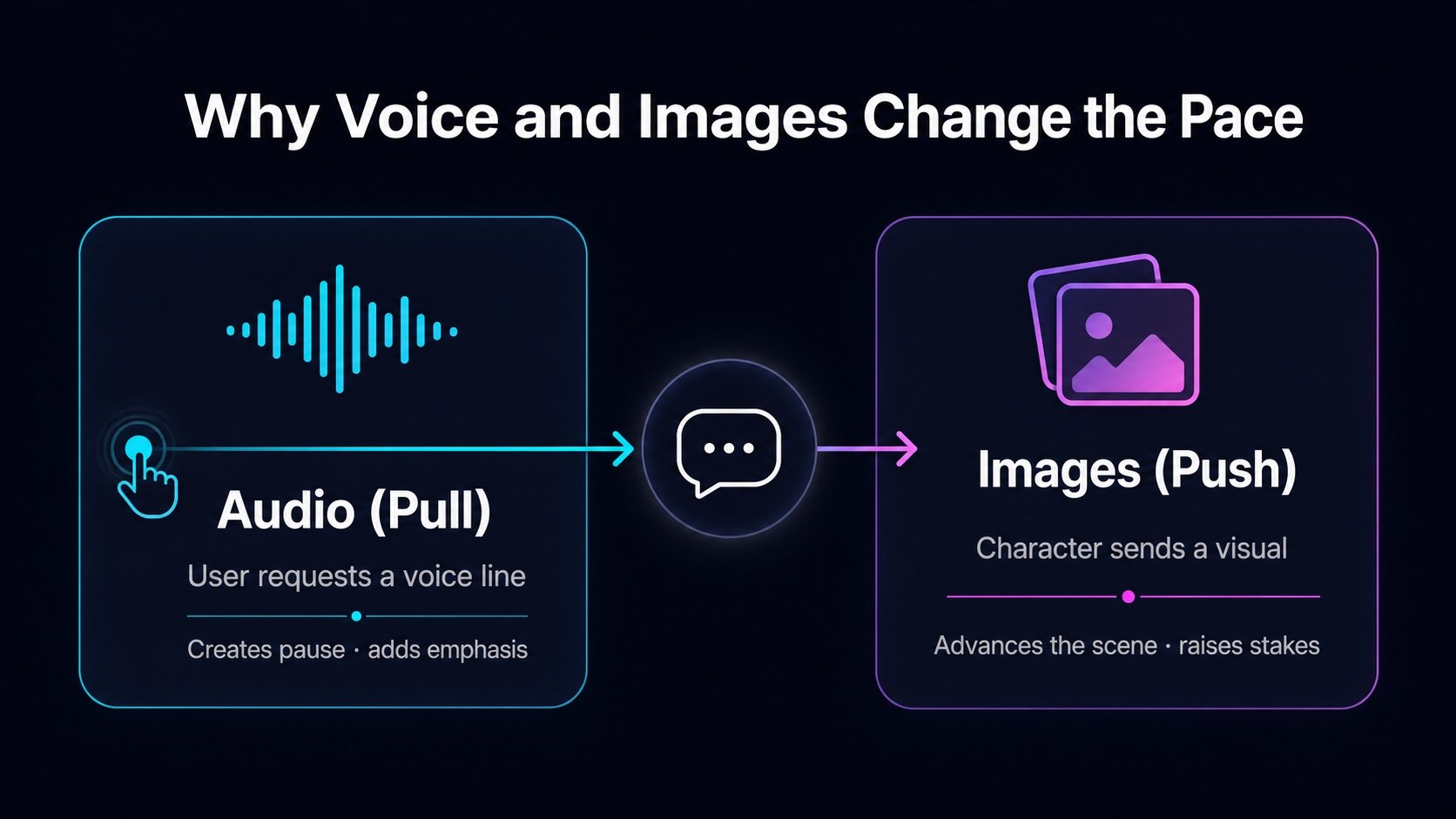
Audio and images pull in opposite directions, and that's exactly why they work.
Audio is pull. Nothing is pre-generated. You press the control on one specific message, and that line gets synthesized in the character's own reviewed voice. No microphone, no call — just a deliberate decision to hear something.
Images are push, and you don't make the call. The character decides a moment deserves a picture and attaches one to its reply. There's no generate-image button, which is right: if every turn arrived with a visual, the scene would read as noisy rather than vivid.
The asymmetry is what creates pacing. Plain text gives every message the same weight. A voice line slows a moment down. An image pushes it forward. Together they turn a transcript into a sequence of beats.
Voice is for emphasis. Images are for escalation. The goal isn't more media — it's better timing.
Why a Hook Beats a Biography
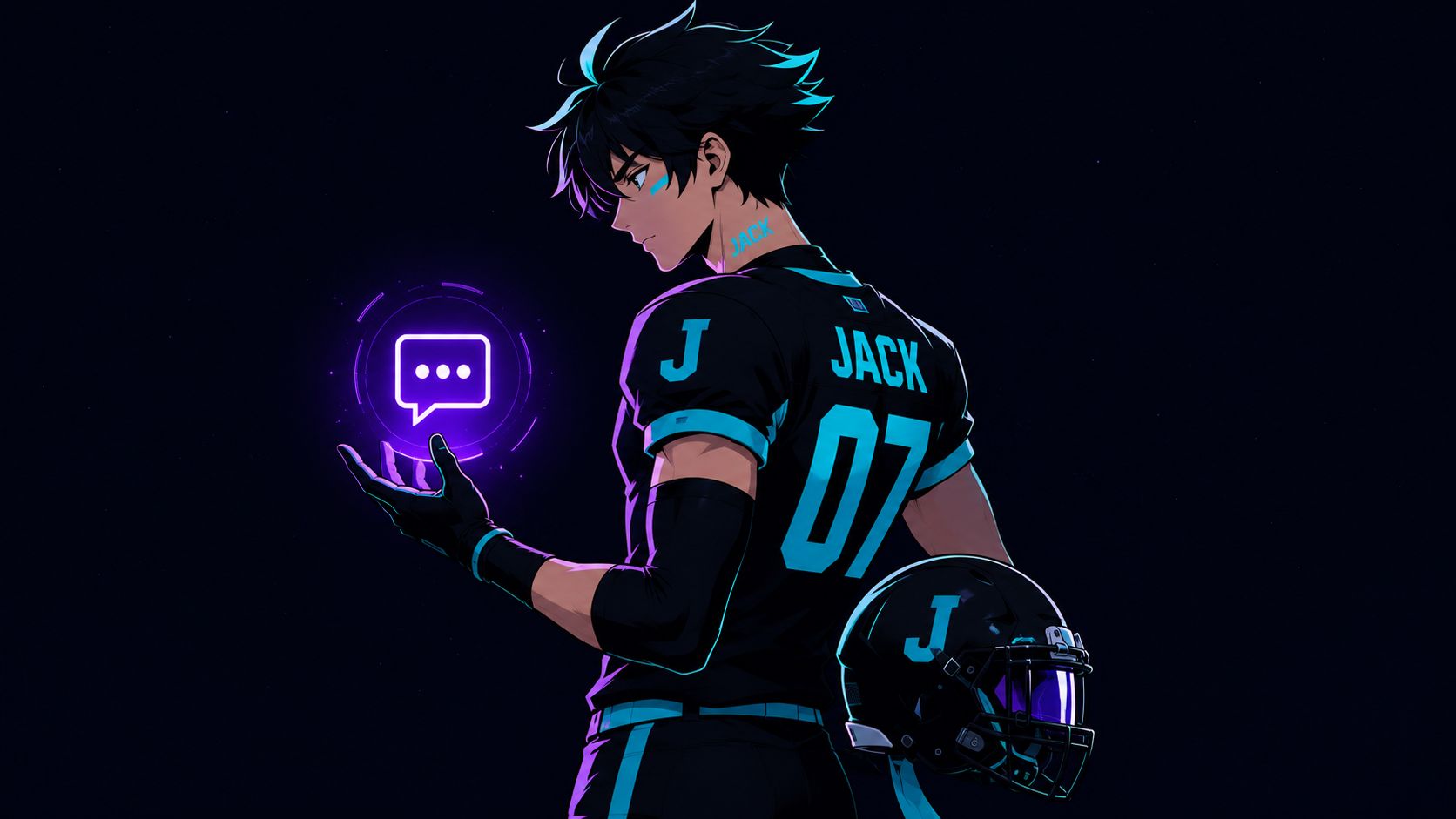
Jack is the cleanest proof that a character can work with almost no lore. Built by a user in late July, not one of ours, and the concept is a single line: an anime football-player bully. That's the whole thing. No sprawling backstory, no mythology dump.
In his first month he pulled 967 messages from 18 people. Roughly 54 each, for a character nobody promoted.
"Bully" is a stance, not a biography. You know the relationship on sight. You know he isn't on your side. Every turn has friction built into it, so there's always a reason to send one more message.
That's the test worth applying when you browse. Read a character's opening like a first date, not a Wikipedia entry — you're looking for energy, conflict, curiosity, or need. If the first message already tells you how the character sees you, you're in. If you have to dig for the point, you're out.
Habits That Keep a Long Conversation on Track
One habit matters more than all the others: change one thing at a time, and regenerate instead of restarting.
Regenerate rerolls a single moment while the history stays put. You're auditioning a different take, not wiping the slate. Restarting is what breaks continuity, and people reach for it far too fast.
A bad line becomes part of the conversation if you let it sit there. Fix drift on the turn it happens.
The rest is diagnosis:
Fix drift immediately. Five messages later, the mistake is baked into the running context and every reply is building on it.
Read the symptom before you edit. Generic reply? The role is too vague. Contradiction? Your fixed facts weren't stated plainly enough. Looping? The scene has run out of tension — move the time, the place, or the stakes.
Keep anchors short. A handful of facts that must stay true holds up better than a long character sheet, which just gives the model more to contradict.
Most people do the opposite. They add text when they need constraints, restart when they should regenerate, and over-explain when one sharp detail would do more work.
None of this is specific to one platform. It's role prompting, and it transfers to any model you talk to.
Common Questions About Talking to AI Characters
Do I need an account to start? No. The first chat runs as a guest. Signing in matters later, when you want that history to merge into an account and follow you to another device.
Is the voice pre-recorded? No, and nothing is generated until you ask for it. Audio is per-message and on demand — you press the control on a line, and the character's reviewed voice profile delivers it.
Do I have to build my own character? Not at all. The roster is the point for most people. If you do want one, Create Character asks for name, gender, visibility, chat filter, description, background, greeting, and a portrait the AI can generate from your description.
What's the difference between Filtered and Unfiltered? That's the content setting chosen when a character is created: Filtered stays safe for all audiences, Unfiltered allows mature themes. Visibility is a separate switch — public puts a character in the roster, private keeps it to your own account, and private does require signing in.
How should I compare platforms? By the experience, not the character count. How fast can you start? Does regenerate preserve the scene or reset it? Does the tone still hold at turn thirty? If you're weighing options, this look at Character.AI alternatives breaks down how different apps handle persona and memory.
If you want a browser-based place to talk to AI characters without signup friction, start at WSUP AI and pick a persona whose opening line already has some pull. Try one reply, then see whether the tone gets you to the second message.