Spicy AI Chat on WSUP AI: Characters, Prompts, and Safety
Try spicy AI chat on WSUP AI: explore mature characters, set clear boundaries, write better prompts, and learn how guest access, images, and audio work.

Spicy AI chat is character roleplay with a flirtier or more mature tone. On WSUP AI, the way to try it is to pick a clearly adult Unfiltered character, or make your own, and tell the character the pace, mood, and limits you want. You can open a public character in the browser and send the first reply as a guest. One thing to know before you start: Unfiltered does not mean unmoderated. Safety rules still apply.
What “spicy” means on WSUP AI
"Spicy AI chat" is a search phrase, not a WSUP feature, and not a claim of any link to SpicyChat AI. On WSUP it means a fictional character chat that allows mature themes while keeping the setup clearly adult and consensual.
The character matters more than the label. A playful companion, a slow-burn roommate story, and an after-hours office scene can all run mature and still feel nothing alike. Decide which dynamic you want before you try to push a random character into it.
Five mature characters worth starting with
Recent activity on WSUP points to five public Unfiltered characters as good places to start. They cover different kinds of chemistry, so pick by the tone you want, not by which profile sounds most intense.
Spice is bold, funny, and tuned to your lead. Start here for playful flirting where you still control how forward the scene becomes.
Kai is softer and more teasing. He suits a warm, witty exchange that builds gradually rather than rushing the premise.
Mika brings a sweet, devoted tone. She is a better fit when affection and emotional attention matter as much as flirtation.
Devon Ash is built around roommate familiarity and unspoken tension. Choose him for a grounded slow-burn scene with history already baked in.
Monica Reyes offers a more structured after-hours office setup. She works well when you want a clear setting, confident dialogue, and an immediate decision to drive the scene.
If none of those dynamics is yours, browse WSUP AI by character category rather than forcing the nearest match.

How to start a spicy AI chat
Open a public character. Read the description and greeting before replying; they tell you what kind of scene the character is designed to hold.
Send one concrete setup. Give the character a relationship, a place, a tone, and something that must happen next.
State the limits that matter. If you want a slow burn, equal power, no coercion, or a hard stop around a topic, say it plainly.
Correct early or switch. One short course correction is usually enough to tell whether the character can hold the tone you want.
The first public-character reply is free and needs no signup. An account becomes useful when you want saved chat history, characters of your own, and higher image or audio limits. Higher, not unlimited.
Give the character something to do
Weak prompts describe a mood and leave the character to invent the rest. Better prompts bring four things:
Relationship: roommates, rivals, strangers, colleagues, or exes.
Setting: a quiet bar, an apartment hallway, a train platform, or an office after hours.
Pace: playful, guarded, direct, or slow-burn.
Pressure: a secret, a deadline, an apology, or a choice that cannot wait.
For Monica Reyes, that might look like this:
You’re Monica Reyes and I stayed late to finish the proposal. Keep the scene slow-burn, confident, and consensual. No coercion. Start with an unexpected choice I have to make before we leave the office.
That is enough to start a scene without scripting every line, and it leaves you easy levers to pull if the result misses. Change the pace, the power dynamic, or the immediate decision. Do not pile on adjectives.
Filtered and Unfiltered are character settings
WSUP labels Filtered characters "Safe for all audiences" and Unfiltered characters "Mature themes allowed." It is chosen when a character is created and classified. It is not a switch you flip halfway through a public chat.
Choose Filtered for broad-audience roleplay or lighter romance. Choose Unfiltered only for a clearly adult fictional character meant for mature themes. Public user-created characters go through review, and mature content still has boundaries. Sexualized minors and age-ambiguous characters are prohibited.
If a scene goes past where you want it, leave it or pick another character. "Unfiltered" is not a promise of no moderation, no safety checks, or any particular response.
Images and audio are optional
Text is the core of the experience. Image replies are attempted only when your latest message clearly asks for a visual and the character, quota, generation, and safety checks all allow it. If any of those says no, the conversation carries on in text.
Audio is generated on demand when an eligible reply shows an audio control. Not every character or every message has one. If media matters to your scene, ask for the visual outright and treat image or voice output as a bonus layer, not a given.
Create your own mature character
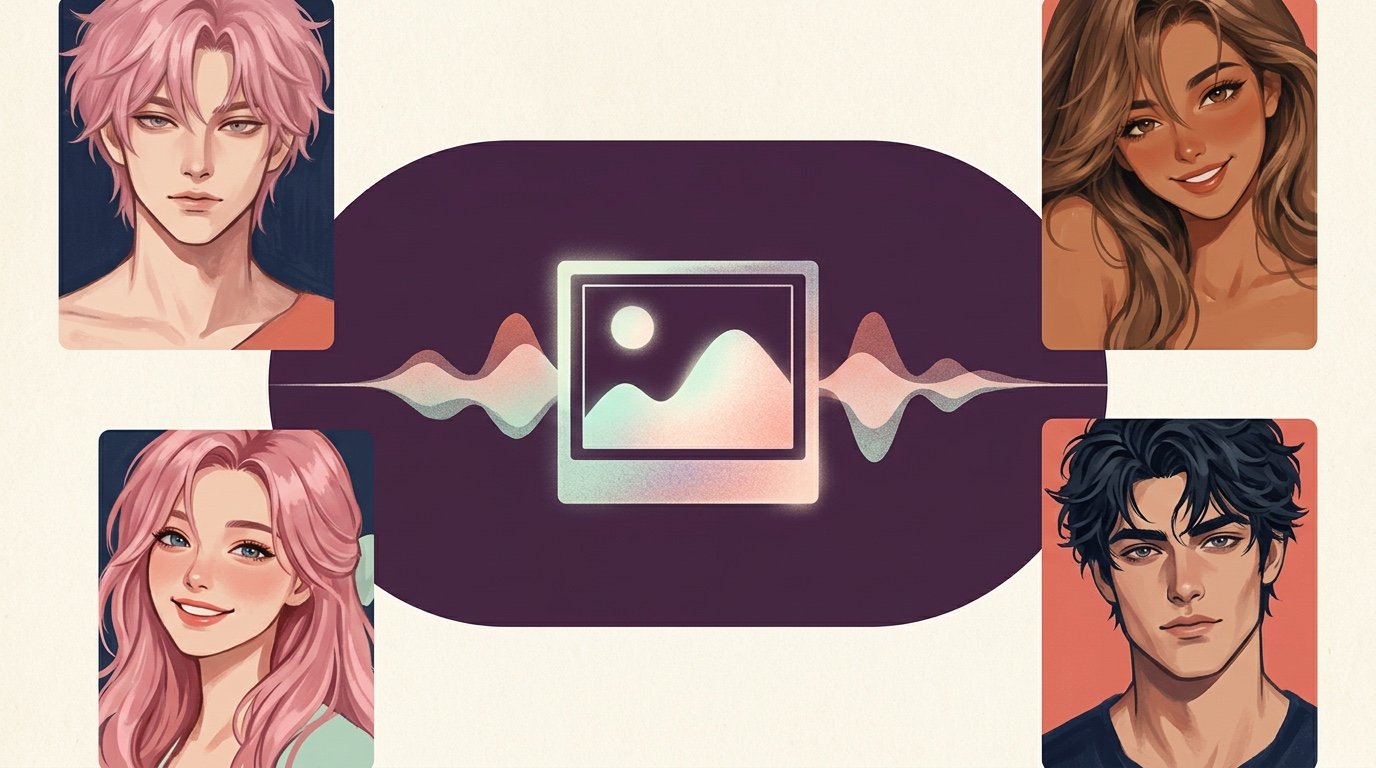
Sometimes a public character is close but not quite it. The WSUP character creator lets you set a name, gender, visibility, Chat Filter, category, description, optional greeting and background, and a generated portrait.
Start with the dynamic, not a long biography. How does the character speak, what pulls the two of you into the scene, and what do they want right now? Keep mature characters clearly adult. You can leave a new character private while you test it. Public user-created characters need approval.
For a fuller walkthrough, use the AI character creation guide.
A quick privacy and safety check
"No signup for the first reply" is not "anonymous" and it is not "completely private." WSUP stores submitted messages and generated replies with the identifiers needed to keep chat threads working, and administrators may review recent conversations to operate and improve the service. Transport is encrypted. Chats are not advertised as end-to-end encrypted.
Keep the roleplay fictional, and keep passwords, financial details, medical information, legal documents, and anything you would not want tied to an account out of it. The complete rules are in the current Privacy Policy and Terms.
Frequently asked questions
Can I try spicy AI chat without signing up?
Yes. Open a public WSUP character and send the first reply as a guest. An account adds saved history, created characters, and higher media limits.
Does Unfiltered mean uncensored?
No. It means the character may handle mature themes. Moderation, product rules, and safety checks still apply.
Can mature chats include images or voice?
They can, and neither is automatic. Images need an explicit visual request plus eligibility, quota, a successful generation, and safety approval. Audio appears only on eligible replies that show an audio control.
Can I create a private mature character?
Yes. Make the character clearly adult, pick the right Chat Filter, and keep visibility private while you refine the premise. Public characters go through review.
Is WSUP AI connected to SpicyChat AI?
No. This article uses "spicy AI chat" as a generic phrase. WSUP AI is an independent product.
Ready to try it? Open WSUP AI, pick a character whose premise already matches the tone you want, and make your first reply specific about setting, pace, and boundaries.